
Making Tax Digital for income tax is now live, affecting all sole traders and landlords in the UK generating over £50,000 turnover for the tax year 2024/25. The income threshold for MTD compliance will, however, drop to £30,000 in April 2027 and £20,000 in 2028, meaning that an increasing number of UK taxpayers will need to start using MTD software sooner or later.
Long story short, if you’re a sole trader, landlord or CIS subcontractor with a qualifying income above the threshold, you should be recording and filing your accounts digitally with HMRC—to do that, you’ll need to find the best MTD software for your specific needs.
UWM Accountants has been helping businesses big and small since 1978 with all their tax and accounting needs, and now, with a suite of Making Tax Digital services. Putting my expertise into action, I’ll be presenting UWM’s top three solutions for the best MTD software for sole traders working in the UK right now.
Contents
- What is MTD and will it affect you?
- The best MTD software for subcontractors and sole traders: Our top 3 solutions
- Making Tax Digital best practices and considerations for sole traders
- Key features to look for to find the best MTD software
- Conclusion
What is MTD and will it affect you?
HMRC has introduced Making Tax Digital (MTD) to make the recording and filing of business accounts more transparent and accurate. It is a fully digital scheme which requires self-employed sole traders and landlords alike to keep digital records and make quarterly reports on their incomings and outgoings via officially MTD-compatible software.
Most accountants will have been using accounting software for years, if not decades already, so you can always outsource your accounting needs to a professional if you need to.
Making Tax Digital is likely to affect you if you’re a sole trader or CIS subcontractor. When it is slated to, however, depends on your income bracket.
If your combined gross qualifying income from self-employment and property exceeded £50,000 in 2024/25, you should have started using MTD for Income Tax from 6 April 2026. However, if it exceeded £30,000 in 2025/26, you must start from April 2027. If it exceeds £20,000 in 2026/27, you must start from April 2028.
The best MTD software for subcontractors and sole traders: Our top 3 solutions
Based on my own personal experience as director at UWM for the past 40+ years, here’s a look at the 3 top software solutions for Making Tax Digital in the UK: Xero, QuickBooks, and FreeAgent.
Each of these solutions has its own unique selling points, but all are quality products for MTD purposes, helping you through the MTD workflow:
Record transactions → review and categorise transactions → quarterly summary → HMRC → complete end-of-year adjustments → submit tax return.
Therefore, instead of ranking them from best to worst, we’ll take a look at how their overall characteristics, special features and pricing options compare.
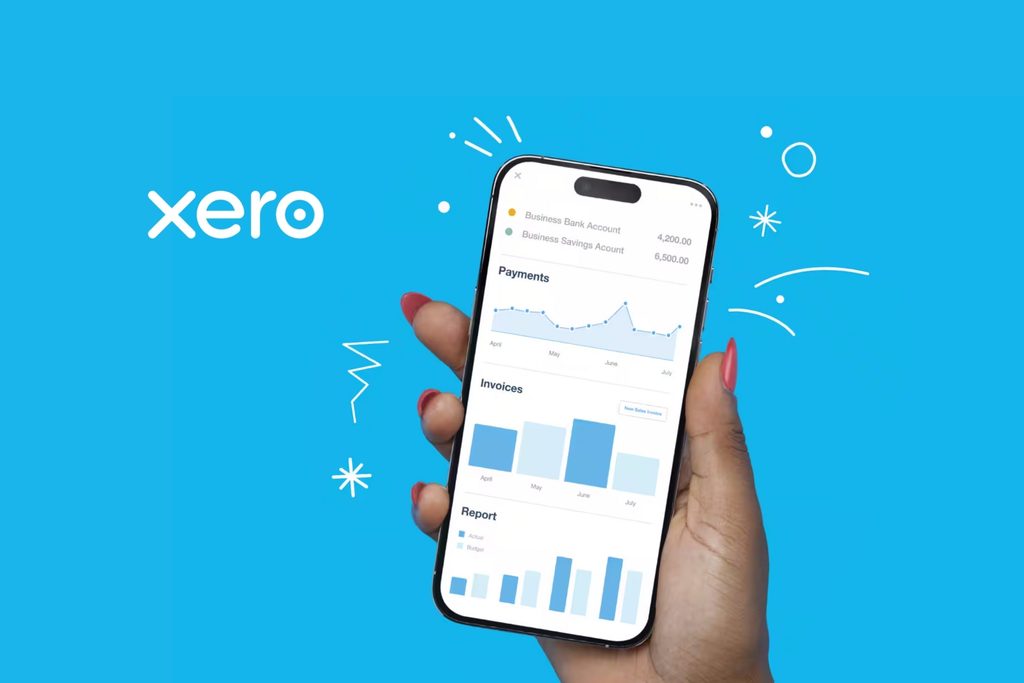
The UWM favourite: Xero
Xero is one of the world’s most popular accounting platforms for the simple reason that it is built really well, yet remains easy to use.
When you take out a subscription to Xero’s MTD-grade software, you gain instant access to a seriously impressive set of tools and background processes. For example, by connecting Xero with your business bank account, all of your transactions will be automatically imported onto the platform, ready for categorisation, without you having to manually input them.
You can then set up rules which make categorising transactions even easier. So, for example, if you’re a joiner and you spend money at Screwfix, you could set it up so that Xero will automatically recognise this as a ‘consumable materials’ business expense. These transactions must still be reviewed because the correct tax treatment may vary.
On the income side of things Xero is just as handy. You can create digital invoices directly in the app and send them straight to your clients, who can pay you online just by clicking the link on the invoice. Xero can prompt your clients when invoices are due, and clearly labels any which stray into overdue territory.
Even handier is the integration of MTD reporting into this quality accounting app. By recording and categorising your incomings and outgoings on Xero, you’re not just staying on top of your business’s money, you’re also simultaneously building those quarterly Making Tax Digital reports you’ll need to file with HMRC. Keeping Xero up to date means that much of the information needed for each quarterly update is already available. The records must still be reviewed and the submission sent to HMRC.
Here at UWM Accountants, we’re a proud Xero Gold Partner—meaning we’ve been using this software for years and for good reason: it’s some of the best in the business.
One of the things we really like about it is its capacity for scaling. If you foresee your business growing over the next few years and decades, then Xero is the software for you—making it easy for you to add payroll, track multiple invoices and expense streams at once, connect multiple bank accounts, make CIS contractor and subcontractor payments, and more.
Special features: Xero is compatible with a huge range of third-party apps, is highly scalable, and is the professional accountant’s “go-to” software.
Price: £
How Xero compares to QuickBooks and FreeAgent: Xero is the cheapest option of the three, making it ideal for the average sole trader or small business owner. Its User Interface (UI) is friendly and easy to navigate, whilst its extraordinary breadth of tools, tracking and automation make it top of its class.
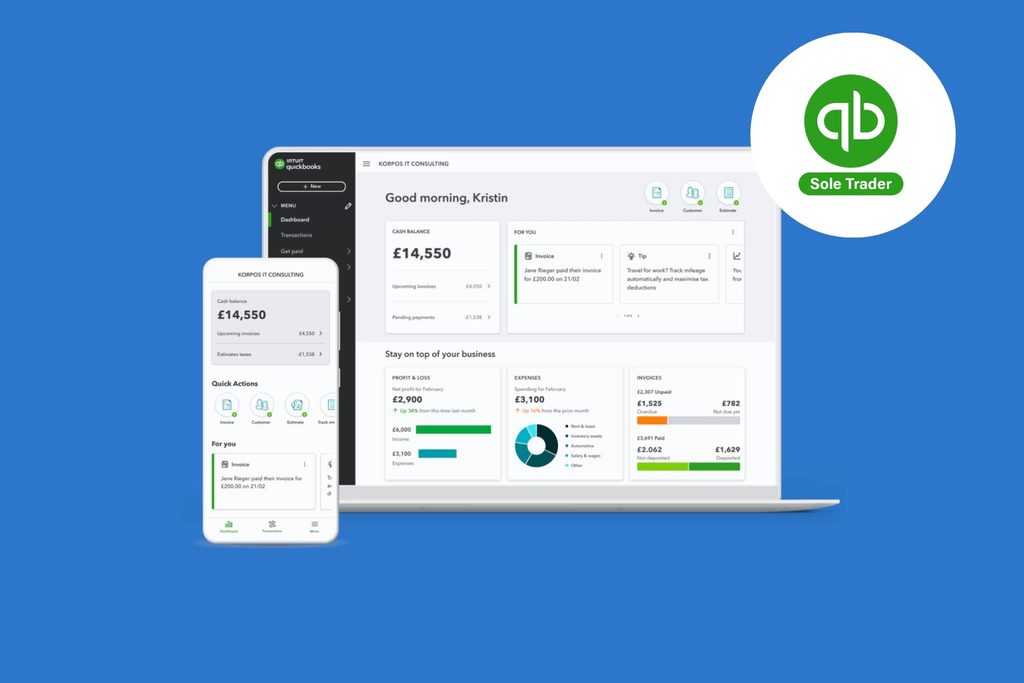
A solid all-rounder: QuickBooks
If you’re looking for a no nonsense, no frills, solid all-rounder, then you need look no further than QuickBooks’ Sole Trader Plus plan.
QuickBooks Sole Trader Plus has all the functionality you’ll need to look after cash flow, income and expense tracking, CIS, create reports, keep tabs on your tax bill, mileage and more. One of the best features is its mobile app, which makes digital accounting super easy for people working outside and on the go.
All of this, though, can be said for Xero, too. So what separates QuickBooks from UWM Accountants’ go-to software? Essentially, QuickBooks has established itself as a halfway house between a simple accounting app for freelancers like FreeAgent, and the more comprehensive accounting software package that Xero is.
This makes QuickBooks a really solid choice for sole traders who want something better than basic, but don’t want to be overwhelmed by the impressive toolbox a bigger software suite would offer.
In my opinion, this would be the software solution I’d recommend for sole traders who need a dependable, MTD-integrated accounting app, and who don’t foresee those needs changing in the near future.
UWM is also a QuickBooks partner and proud to assist a pool of clients with their accounts through the QuickBooks suite.
Special features: A dependable UI with solid automation tools and bank integration, allowing the user to combine simple accountancy with Making Tax Digital reporting all in one place.
Price: ££
How Xero compares to QuickBooks and FreeAgent: QuickBooks has more features and is more adaptable than FreeAgent, with strong invoicing, expenses and bookkeeping automation. Compared to Xero, it offers a similar toolset but doesn’t quite have the reach into more complex accounting processes and insights which Xero has, making Xero the better choice if you foresee your business growing (especially if you foresee hiring employees in future).Price wise it’s in the middle of the three.
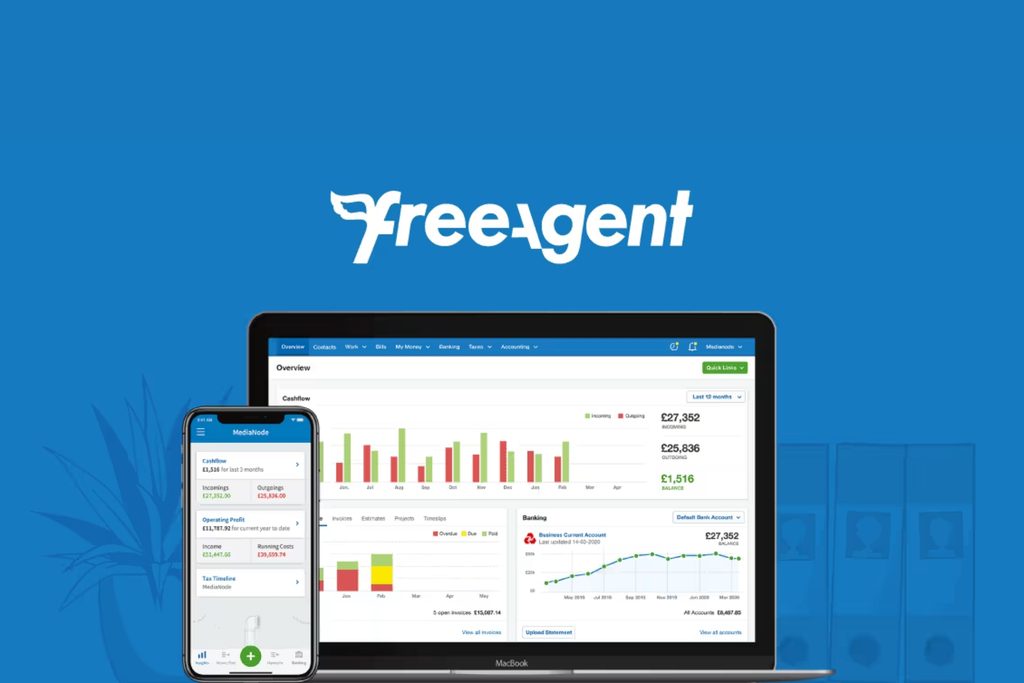
Great for entry-level accounting: FreeAgent
It’s easy for folks like myself, who work in tax every day, to forget how complicated accounting can seem to the average sole trader. Which is where FreeAgent really shines. This software is designed around the way self-employed folk think; it doesn’t use any complex accounting jargon and has a User Interface (UI) which is quick and comfortable to navigate—maybe the quickest and most comfortable on this list!
FreeAgent is also really strong when considering MTD software for CIS subcontractors who have limited income streams and little time for full-blown accounting. FreeAgent includes a dedicated workflow for CIS subcontractors. Once CIS has been configured, users can apply CIS deductions to invoices or identify imported contractor payments as CIS income.
The FreeAgent app makes digital record-keeping easy and straightforward, helping you to keep compliant year-round. If you’re just starting out as a sole trader and/or have never used accounting software before, I might recommend that you consider FreeAgent—with whom UWM Accountants is proudly partnered.
FreeAgent is particularly well suited to freelancers, contractors and straightforward sole-trader businesses. Businesses expecting more complex stock, reporting, multicurrency or integration requirements should compare those future requirements before choosing a platform.
Special features: Probably one of the most attractive features of FreeAgent is that it is fully free if you have an eligible business account with one of the following banks: RBS, Ulster Bank, Mettle or NatWest. The regular cost of the software is the highest of the three.
Price: £££
How Xero compares to QuickBooks and FreeAgent: FreeAgent is more specifically tailored to UK freelancers than its competitors, and is particularly strong when it comes to Self-Assessment tax returns and the Making Tax Digital workflow. However, unless you qualify for a free subscription to this software, it is at time of writing more expensive than QuickBooks or Xero. Compared with the other two, it is also less focused on complex business accounting, so not ideal for growing or bigger businesses.
Making Tax Digital best practices and considerations for sole traders
My top advice for any sole trader, CIS subcontractor or freelancer in the UK right now is: Don’t wait around, get MTD compliant now and save yourself potential penalty points, even fines, further down the line.
Plan for the future by choosing software capable of handling where you foresee your business’s accounts and tax obligations to be 2-3 years down the line. This way, you not only get in line with Making Tax Digital requirements now, but also futureproof yourself by avoiding the need to migrate to different software further down the line, in order to accommodate your business’s growth.
Here’s a checklist for getting MTD ready:
- Be consistent with your expense categories
- Categorise transactions consistently using the appropriate accounting and tax categories. Take particular care with equipment, vehicles, clothing and costs with both business and private use, because different tax treatments may apply
- Make a habit of uploading expense receipts and invoices
- Take photos of physical receipts and upload them to your MTD software or to a safe digital storage file straight away. The best MTD software for sole traders offer smartphone apps to make this super easy
- Seek advice if you’re unsure
- New tax initiatives like MTD can be confusing at the best of times, so don’t be afraid to ask an accountant for help if you’re worried you’re doing things wrong
What you need MTD software to do
There are two types of MTD-compatible Making Tax Digital software.
- The first allows you to create and keep digital records of your accounts, file quarterly reports and your annual Self-Assessment tax return. It will usually do so by either integrating directly with your bank to automatically import your business transactions, allowing you to scan receipts and invoices, or by manual input of your transactions.
- The second type of MTD software instead connects HMRC to your existing digital accounts—e.g., bookkeeping done on Microsoft Excel. This type of software is called MTD ‘bridging software’ because it forms a bridge between your records and HMRC. If you already keep a record of your business transactions, income and expenses in a spreadsheet, for example, and don’t want to switch to a new style of accounting, you’ll need to find some MTD bridging software.
What your MTD software budget is
Although mandatory, Making Tax Digital software isn’t necessarily free. Whilst there are free apps and software packages available, they tend to offer only basic functionality.
Depending on your income, the size of your business, your plans for future scaling, and your CIS or VAT registration status, you may need to invest in a paid software plan to make the most of your switch to MTD.
Key features to look for to find the best MTD software
| Feature | What to check |
| Invoices and expenses | Does the software allow you to create, send and track digital invoices to your clients? Can you easily upload and categorise your business expenses? |
| Reconciling with your bank | Does the software automatically collect transactions from your business bank account and match them to your invoices/expenses? |
| Smartphone compatibility | Is there an easy-to-use smartphone app for your chosen software, so you can keep your accounts up to date on the go? |
| Deadline reminders | Does the software send you reminders when your quarterly and annual report/tax return deadlines are coming up? |
| Live tax updates | Does the MTD software give you live estimates of your tax bill based on your uploaded income and expense statements? |
Conclusion: Get MTD compliant today!
To conclude, there’s a lot to consider when it comes to the best Making Tax Digital software for sole traders and CIS subcontractors, but don’t be daunted.
- If you want the accountant’s go-to designed to scale with your business, try Xero
- If you want ease of use with the basic necessities, try FreeAgent
- And if you want a solid all-rounder that’s good value for money, try QuickBooks
Whatever you choose, just remember, you can always seek advice or even outsource your MTD accounting and reporting to a professional to shake off the stress and responsibility of doing it yourself.
NB: Prices and features checked September 2026. Prices exclude VAT unless stated otherwise. Introductory discounts have not been included because they may change


